So this is a little bit embarrassing.
I was at HELish Summit in Helsinki, a really good event. The day after, I went to update my website with the session materials so anyone looking to download them could get them.
Instead I got “your connection is not private”.
My certificate for www.nickdoelman.com had expired. My SSL provider had not bothered to send me a single email about it, but they did try to call me a whole bunch of times. If you are going to call me and not leave a voicemail, I am not calling back… little side rant, sorry.
My site runs on Power Pages, so I needed to sort out a renewal.
Then the timing worked out rather nicely.
Here’s the video version of this blog post:
Microsoft now issues the certificate for you
That same week, Microsoft announced Microsoft-managed SSL/TLS certificates for custom domains in Power Pages.
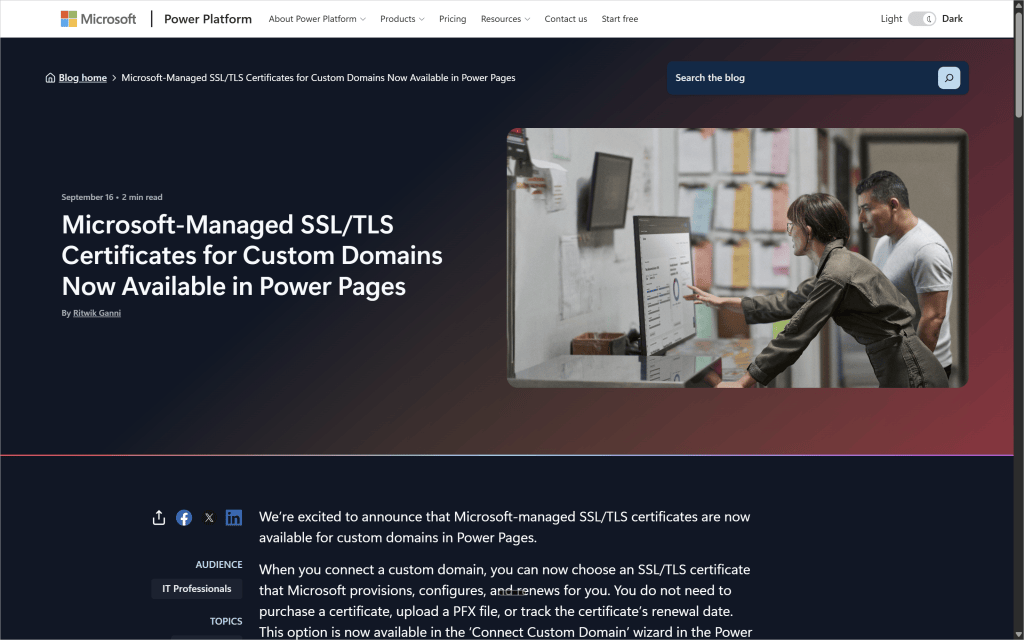
When you connect a custom domain, you can now choose a certificate that Microsoft provisions, configures and renews. No purchase, no PFX file, no renewal date sitting in a calendar you hope you actually look at.
Two things stand out.
Microsoft handles the renewals. That is one less thing on the list that can quietly expire and take your site down (ask me how I know).
It also does not cost anything extra. How often do we get news from Microsoft where we are actually going to be saving money these days?
If you have policies in place that require you to manage and upload your own certificates, that option has not gone anywhere. This is an addition, not a replacement.
Before you start
There is some cleanup to do first, and this is where you can get stuck.
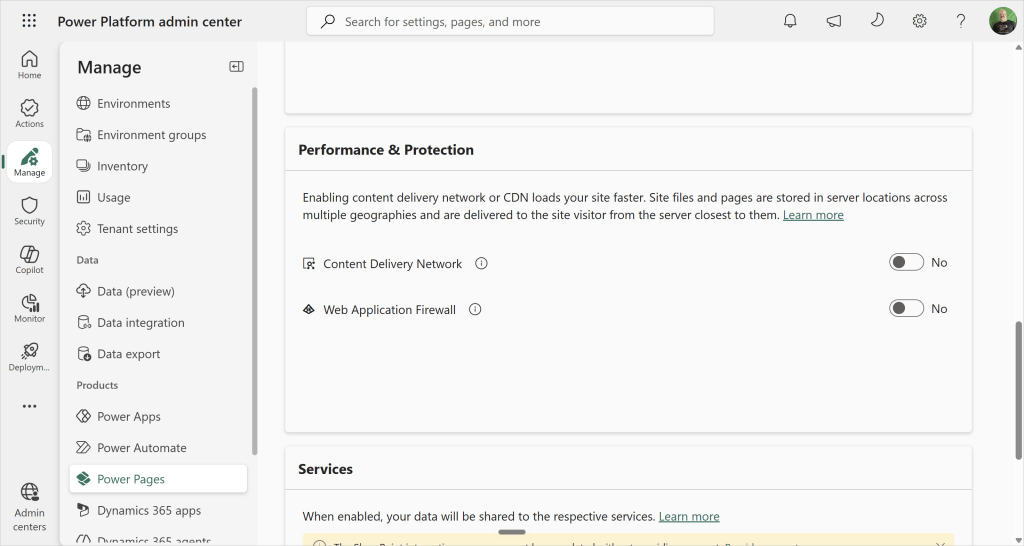
1. Turn off CDN and Web Application Firewall.
The Microsoft Managed certificate option does not get greyed out when these are enabled. It does not appear at all. I had CDN turned on, so that came off first.
2. Remove the existing binding, then the certificate, then the hostname.
The order matters. You cannot delete a certificate while a binding is still pointing at it.
3. Expect your site to be down for a few minutes.
Once the domain is disconnected, the site is not reachable on your custom URL until the new binding finishes. Mine was down for the duration. Plan this for a quiet window if the site is a production one.
Setting it up
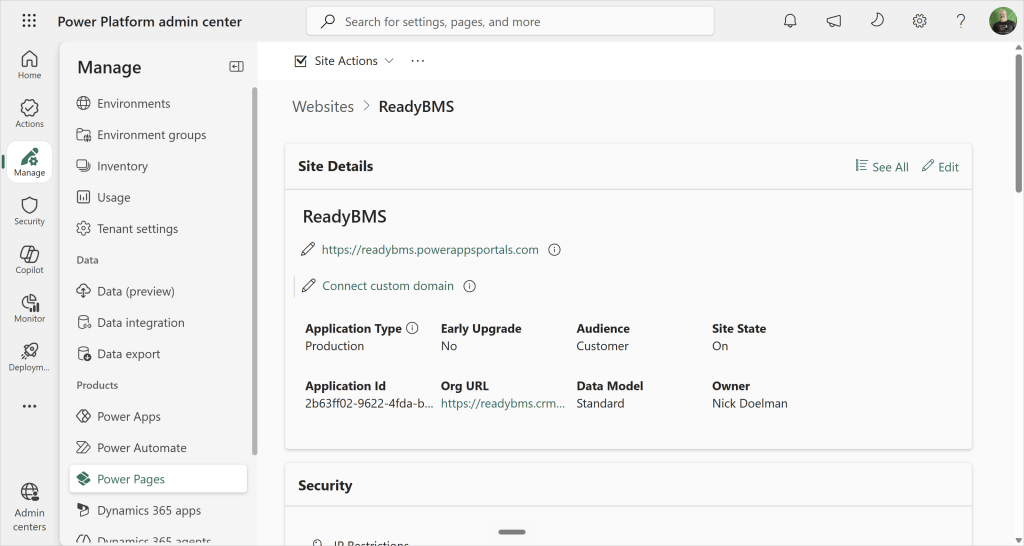
In the Power Platform admin center, go to Manage, then Power Pages, and select your site. In Site Details, choose Connect custom domain.
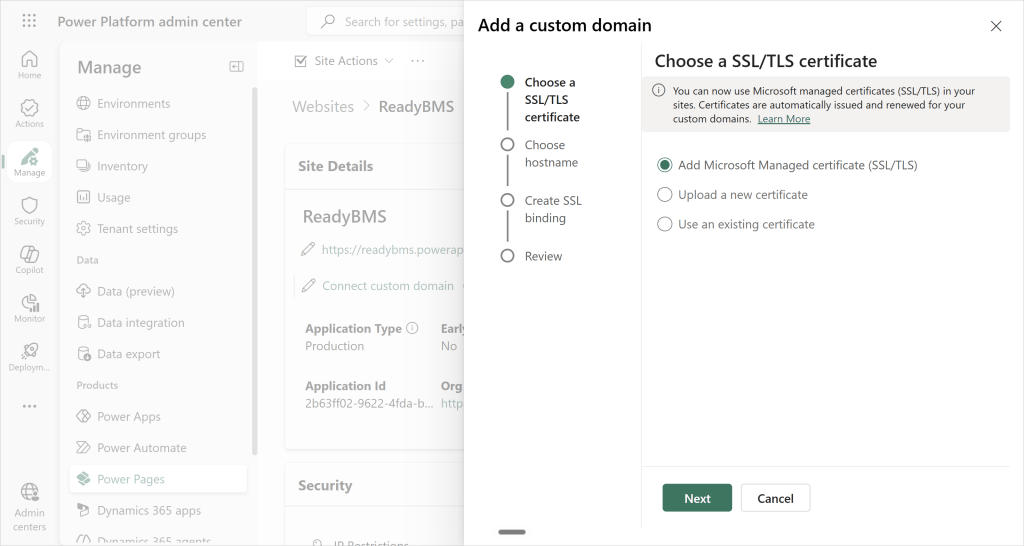
Step one is Choose a SSL/TLS certificate. There are three options now: add a Microsoft Managed certificate, upload a new one, or use an existing one. Pick the first.
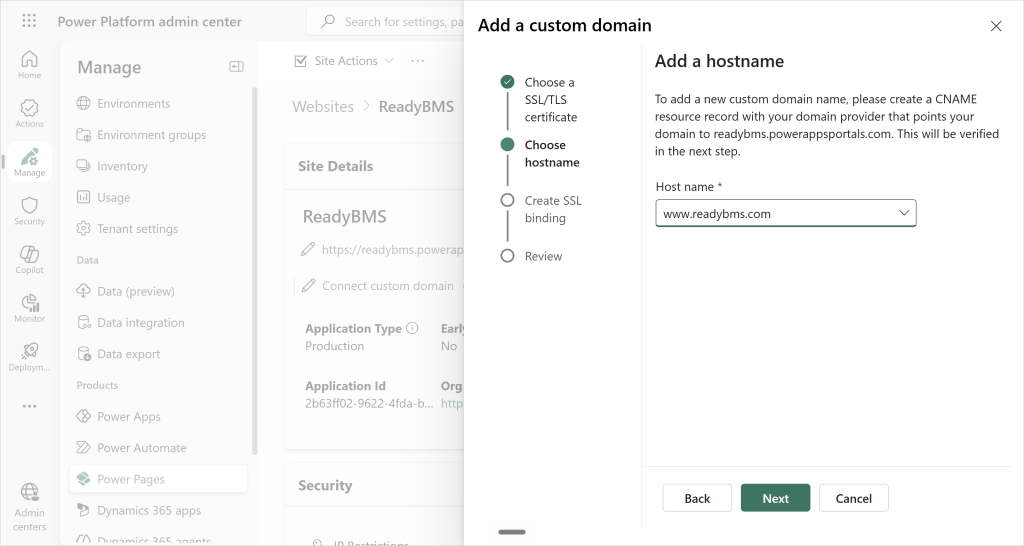
Step two is the hostname. Mine was already set up, so it was a matter of selecting it.
Step three creates the SSL binding using the Microsoft Managed certificate. Review it and hit Next.
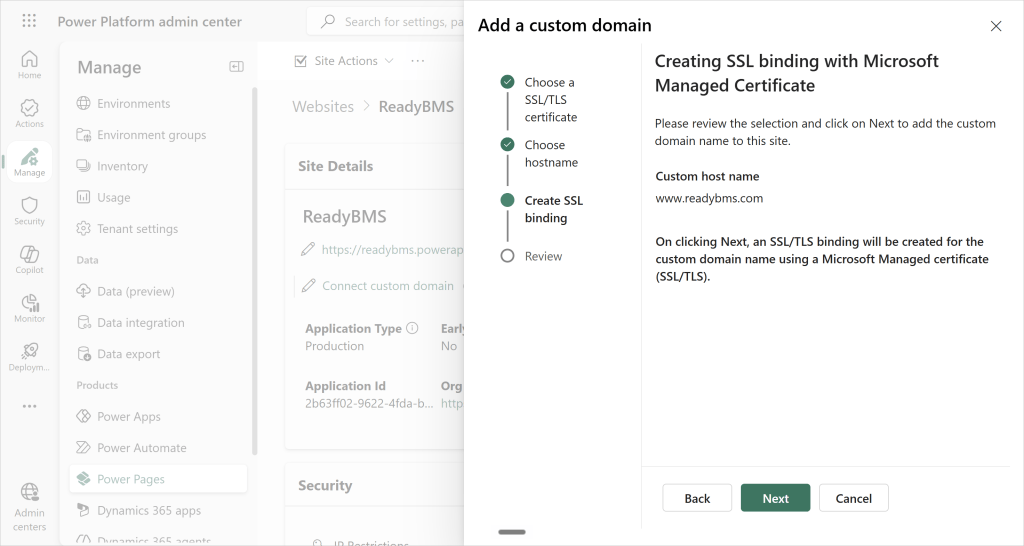
It warns you that this will take several minutes, and it does. Go make a coffee.
That is the whole thing. Point and click, and the clicking part took seconds.
You still own DNS
One part has not changed: you still need to set the CNAME with whoever your domain is registered with, pointing your hostname at your Power Pages site URL.
That varies by provider, but it is the same job it always was. Note that you cannot CNAME a root domain, so use www or another subdomain.
One thing I am not sure about
After the configuration finished, I ended up with two SSL certificates and two SSL bindings on the site.
I have not found a clear answer on whether that is redundancy, or a rollover where one takes over from the other. If you know what is going on there, let me know in the comments.
Worth doing
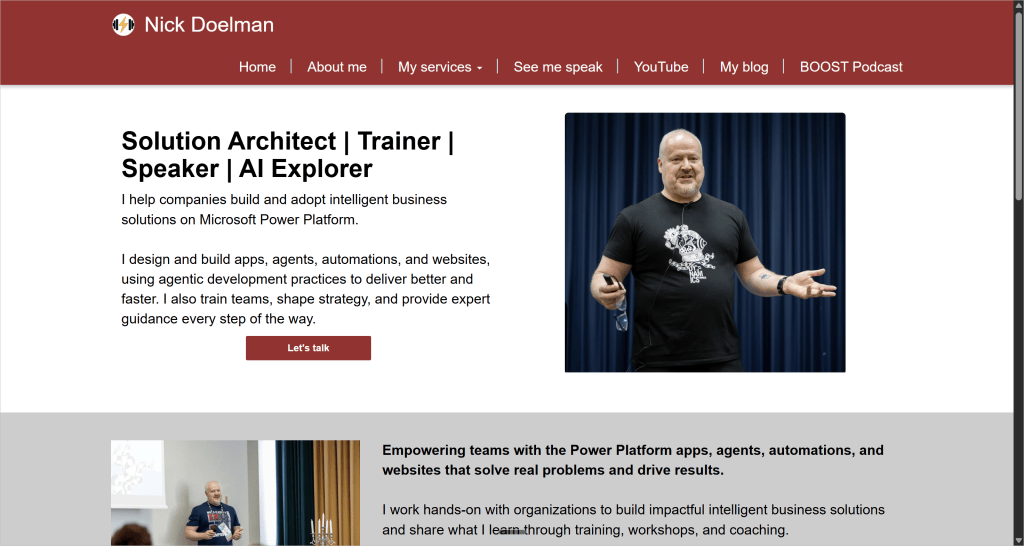
Site is back up, certificate is valid, and I am not paying for it.
Think about what this replaces. Generate a certificate signing request, register with a certificate authority, wait for issuance, download the package, convert it to a password-protected PFX with the right encryption, upload it, then create the binding. Certificates have always been a painful process, and every one of those steps was a chance to get something subtly wrong.
Now it is a radio button.
This is another one of those small things with big impact that keep landing in Power Pages. From my perspective it is the kind of change that does not get a keynote slide but saves real hours and real money.
I walked through the whole process end to end in the companion video above, if you would rather watch than read.
Have you moved your Power Pages custom domain over to a managed certificate yet, or are you still sitting on a paid one waiting to expire?
Nick Doelman is a Microsoft MVP (8x), podcaster, trainer, public speaker, and competitive Powerlifter. Follow Nick on X at @readyxrm, Instagram, LinkedIN, and Bluesky.
Need Power Platform expertise, training or implementation help? Check out Nick’s website for more details.
Listen or watch the the Power Platform Boost podcast with Nick and co-host Ulrikke Akerbæk every second week for news and updates from the Power Platform community!