

A very common question that comes up while configuring Power Pages is how to get around cache issues. Using Power Pages Server logic, there is now an official way to skip the cache! Power Pages caching 101 Power Pages uses caching to store Dataverse data locally to improve website performance by reducing traffic between the… Continue reading Power Pages: Cache Conquered!
Tag: Power Apps

Five forgotten features of Dataverse
If Microsoft Dataverse were a human, they would now be legally old enough to vote, drive, and drink alcohol. The feature is more than just a database, it truly a Common Data Service (it’s previous name) that evolved from the data layer that was part of Dynamics CRM since 2002. Over the years, Dataverse has… Continue reading Five forgotten features of Dataverse

Power Pages: Stop using the default maintenance mode page!
There are times when you need to do some work on your Microsoft Dataverse backend that could affect users and visitors to your Power Pages website. Things like a data migration, solution imports, or enabling new features. To ensure your visitors won’t get timeouts or weird error messages, a good practice is the put the… Continue reading Power Pages: Stop using the default maintenance mode page!

I recreated Dynamics CRM with the Power Platform Plan designer
In January 2003 after many months of engineering and development, Microsoft released one of the first business solutions built-in house; Microsoft Business Solutions Customer Relationship Management (CRM). This of course evolved into Dynamics CRM, of which much of the technical foundation became Dataverse, the bedrock of the Power Platform. I just rebuilt Dynamics CRM in… Continue reading I recreated Dynamics CRM with the Power Platform Plan designer

AI Builder: Update Dataverse currency exchange rates
One of the Microsoft Dataverse features that doesn’t get a lot of attention is currency fields. Too lazy to read? Check out the video version: I have blogged about currency codes in Dataverse (then known as CDS) in the past (in 2020) and for the most part, the underlying technology hasn’t changed. To quickly recap;… Continue reading AI Builder: Update Dataverse currency exchange rates

Low-code is Dead. Long live Vibe Coding!
Thank you (and sorry) for indulging my click bait title. 🙂 Also, the following is my own personal opinion, and in no way looking to offend or scare professional developers or low-code makers. Here is the video version of this blog post: There is a new buzzword term making the rounds that you may have… Continue reading Low-code is Dead. Long live Vibe Coding!
Power Pages – solution management tips, tricks, and gotchas
One of the main driving features of using the enhanced data model for Power Pages is the ability to add a website to a Power Platform solution and transport to other environments. This makes building and configuring Power Pages and ALM management much more aligned to the rest of the Power Platform. Solutions: For those… Continue reading Power Pages – solution management tips, tricks, and gotchas

Extending Dynamics 365 Business Central to Power Pages
In early November I had the opportunity to present a session Using Power Pages as a gateway to Business Central at the Directions EMEA 2024 conference in Vienna, Austria. I was pleasantly surprised to see the session was very well attended and there was a lot of interest from Dynamics 365 Business Central professionals and… Continue reading Extending Dynamics 365 Business Central to Power Pages
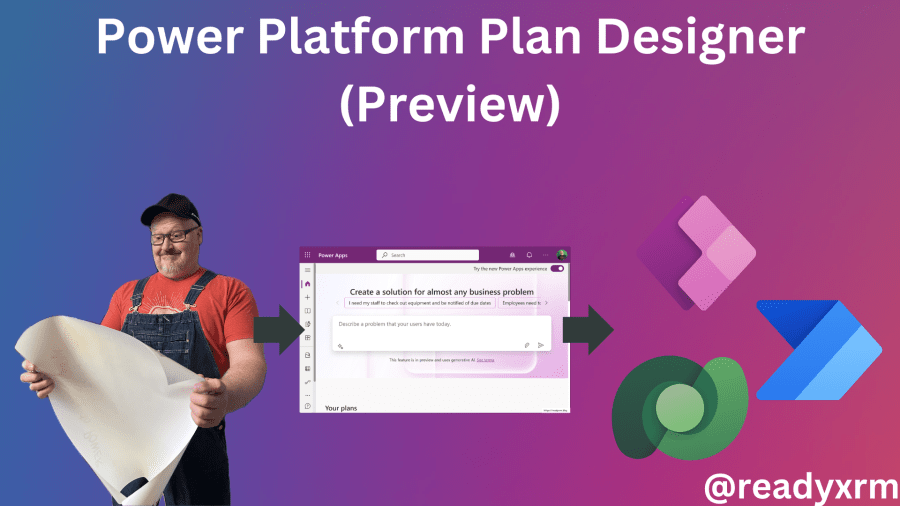
Power Platform Plan Designer (Preview)
Currently rolling out to preview environments is the new Power Platform Plan Designer, a tool that will allow you to use generative AI to describe, plan, and build your business solution using Power Platform technologies. Read the announcement from Microsoft: Build user-focused intelligent solutions in Power Apps, start with a plan. Here is the video… Continue reading Power Platform Plan Designer (Preview)

Power Pages: convert standard to enhanced data model
The enhanced data model has now been GA for a while and I know for all my new projects, we are using by default the enhanced data model. However, there are many “legacy” portals still using the standard data. Microsoft has recently (finally) released a tool to migrate the website metadata from a standard to… Continue reading Power Pages: convert standard to enhanced data model

 The ReadyXRM Blog by Nick Doelman