
Introduction At the Power Platform Community Conference in Las Vegas, low-code (as we know it) was declared dead. In Power Apps, we’ve seen Generative Pages, Code Apps, and now vibe.powerapps.com as new ways to take the ultimate form of “low code” (that being natural language) to generate pro-code (usually being TypeScript or JavaScript with the… Continue reading Power Pages: Bring your own code! (Tutorial)
Tag: seo
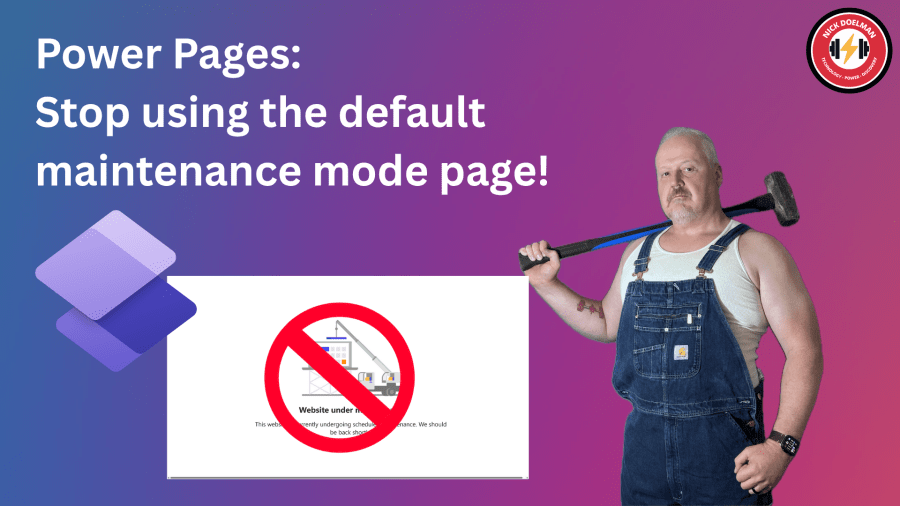
Power Pages: Stop using the default maintenance mode page!
There are times when you need to do some work on your Microsoft Dataverse backend that could affect users and visitors to your Power Pages website. Things like a data migration, solution imports, or enabling new features. To ensure your visitors won’t get timeouts or weird error messages, a good practice is the put the… Continue reading Power Pages: Stop using the default maintenance mode page!
Power Pages Actions in Visual Studio Code
Two years ago I posted about the features within Visual Studio Code to create assets in Power Pages. Since that time the team at Microsoft has added more features to allow developers to be more productive when extending Power Pages websites using HTML, JavaScript, Liquid, CSS, etc. To be effective using Visual Studio Code, this… Continue reading Power Pages Actions in Visual Studio Code
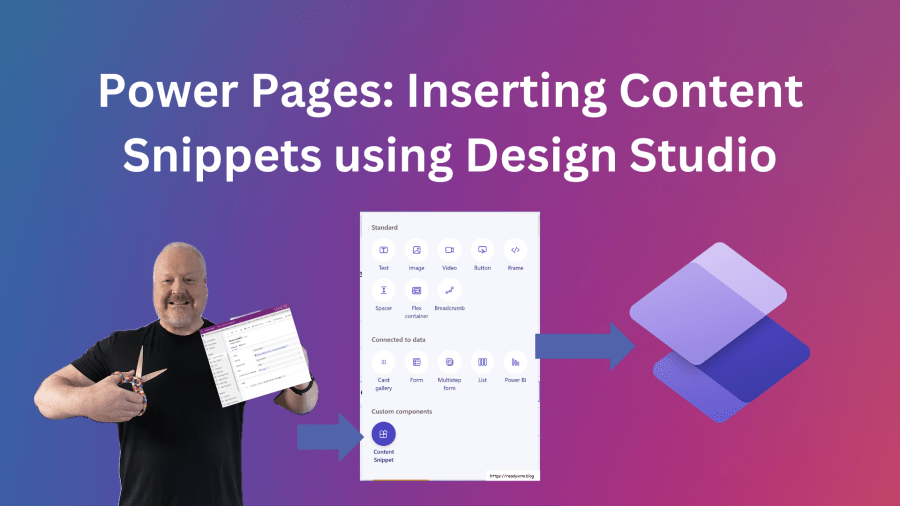
Power Pages: Inserting Content Snippets in Design Studio
I have written before Content snippets in Power Pages and how it is one of those features that I feel doesn’t get enough attention. Here is the video version of this blog post. Check out the post below on what Connect Snippets are and how they used in Power Pages websites: Currently, the only way… Continue reading Power Pages: Inserting Content Snippets in Design Studio
Power Pages: conditional display, site markers, and Liquid filters
Using Liquid in Power Pages allows you to create code to conditionally display both static and dynamic content based on certain conditions. A very simple example of this would be this piece of Liquid code that you can place in the source of a web page, web template, or a content snippet: The above code… Continue reading Power Pages: conditional display, site markers, and Liquid filters

 The ReadyXRM Blog by Nick Doelman