
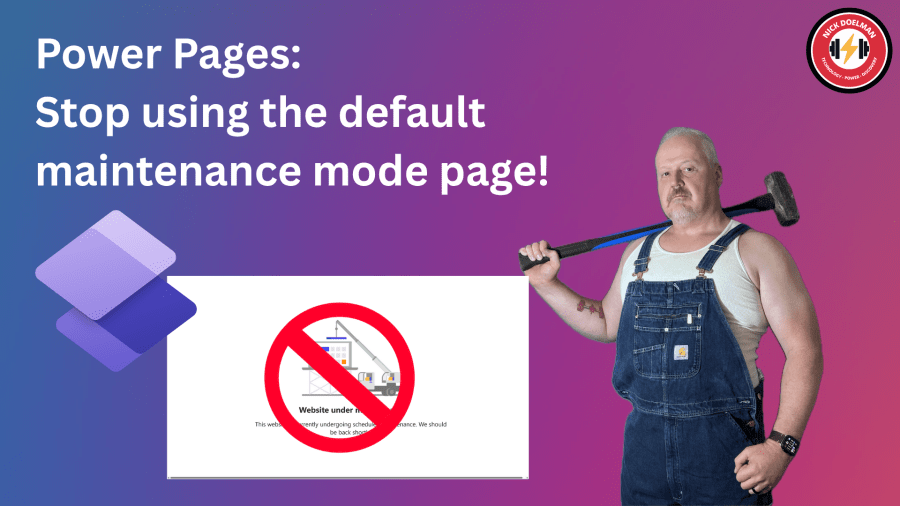
There are times when you need to do some work on your Microsoft Dataverse backend that could affect users and visitors to your Power Pages website. Things like a data migration, solution imports, or enabling new features. To ensure your visitors won’t get timeouts or weird error messages, a good practice is the put the… Continue reading Power Pages: Stop using the default maintenance mode page!
Tag: Azure
Power Pages: Site Settings as Environment variables
Currently rolling out to is the ability to configure Power Pages site settings as environment variables. Why is this such a big deal? In Power Pages configuration, much of the Power Pages website configuration is stored in metadata records called site settings. In many cases, these site settings are unique to specific environments, for example,… Continue reading Power Pages: Site Settings as Environment variables
Power Pages: Configure Entra External ID
When building a Power Pages website where you will have external stakeholders signing in, it is highly recommended to use an external authentication provider and not the out-of-the-box forms based login and password. There are different external providers available, provided by Microsoft (Azure AD B2C) and other 3rd party providers (like OKTA). Currently in preview,… Continue reading Power Pages: Configure Entra External ID
Power Pages: Uploading BIG attachments!
One of the weaker features in Power Pages has been the ability to upload large files through a website. Now in preview, the Power Pages team has added a new file upload feature that will users to upload files as large as 10 gigabytes! See the official announcement! Delight your end users with the new… Continue reading Power Pages: Uploading BIG attachments!

Power Pages: convert standard to enhanced data model
The enhanced data model has now been GA for a while and I know for all my new projects, we are using by default the enhanced data model. However, there are many “legacy” portals still using the standard data. Microsoft has recently (finally) released a tool to migrate the website metadata from a standard to… Continue reading Power Pages: convert standard to enhanced data model

Configure Azure AD B2C for PowerApps Portals
If you read the Microsoft documenation for PowerApps Portals (and you do read it, right?) it states that the preferred method for user authentication for the PowerApps Portals is Azure AD B2C (Business to Consumer). The big benefits is that it takes a lot of the administration of handling passwords and authentication out of the… Continue reading Configure Azure AD B2C for PowerApps Portals

The Microsoft Cloud Briefly Went Down: A Good Reminder of Why the Cloud is Good Thing.
I was working on building and testing a Microsoft Flow a month ago. Thursday afternoon, May 2nd, to be exact. It was fairly complex and required a bit of tweaking, most of the runs were taking anywhere from 3 to 5 minutes to run end to end. I was running the latest (and I was… Continue reading The Microsoft Cloud Briefly Went Down: A Good Reminder of Why the Cloud is Good Thing.

Restoring Dynamics CRM/365 Database from Enterprise to Standard (Moving to Online – Sidebar)
As I continue to write my blog series of migrating Dynamics 365/CRM on-premise to online, I was working in my lab environment putting together steps for my next post when I came across an issue that might be faced by others when working on their migration/upgrade projects. Many production on-premise Dynamics CRM/365 systems will very… Continue reading Restoring Dynamics CRM/365 Database from Enterprise to Standard (Moving to Online – Sidebar)

Using Azure DevTest Labs for Dynamics 365 Development
When developing plug-ins for Dynamics 365/CRM, working with an on-premise system provides for better tracing and debugging than developing against an online instance. Also when there is a large team working on common project it makes life much easier when the developers are working on isolated environments. Onpremise to Online Migration (sidebar) When working on… Continue reading Using Azure DevTest Labs for Dynamics 365 Development
Winning the Storage Wars with Attachment Management for Dynamics 365
UPDATE: For a more up to date steps to setup the Attachment Management (that now works with the Dynamics 365 Portal) please click here. In 1981 Bill Gates famously stated “640K should be enough for anybody”. While not publicly documented, I am pretty sure in 2008 he also said that 5GB should be enough for… Continue reading Winning the Storage Wars with Attachment Management for Dynamics 365

 The ReadyXRM Blog by Nick Doelman