

Every week new features and techniques are dropping not only from Microsoft but other vendors. One of the latest movements is getting agents to utilize “skills” to execute and complete tasks. Microsoft has just released to public preview a Claude code plug-in with skills to build, configure, and deploy Power Pages single page applications. Announcement:Build… Continue reading The end of Power Pages? (As we know it?)
Category: Portals
Power Pages: Cache Conquered!
A very common question that comes up while configuring Power Pages is how to get around cache issues. Using Power Pages Server logic, there is now an official way to skip the cache! Power Pages caching 101 Power Pages uses caching to store Dataverse data locally to improve website performance by reducing traffic between the… Continue reading Power Pages: Cache Conquered!
Power Pages: Bring your own code! (Tutorial)
Introduction At the Power Platform Community Conference in Las Vegas, low-code (as we know it) was declared dead. In Power Apps, we’ve seen Generative Pages, Code Apps, and now vibe.powerapps.com as new ways to take the ultimate form of “low code” (that being natural language) to generate pro-code (usually being TypeScript or JavaScript with the… Continue reading Power Pages: Bring your own code! (Tutorial)
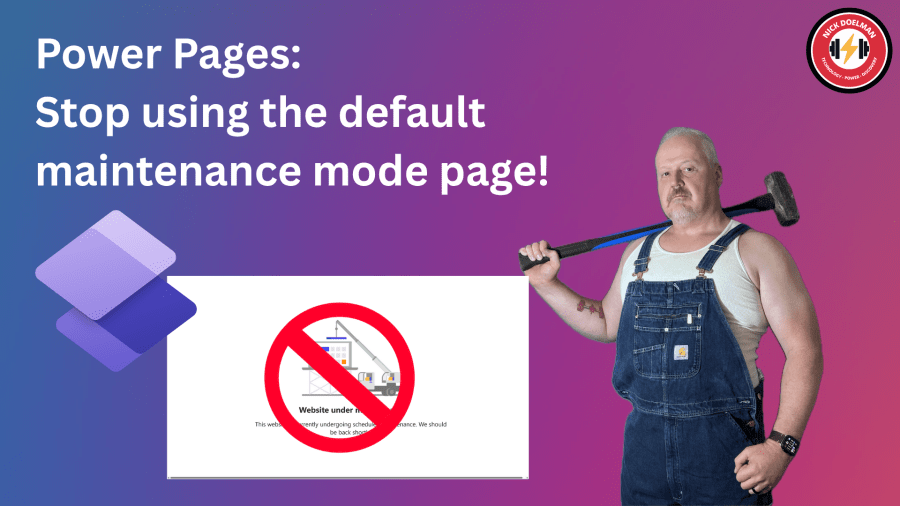
Power Pages: Stop using the default maintenance mode page!
There are times when you need to do some work on your Microsoft Dataverse backend that could affect users and visitors to your Power Pages website. Things like a data migration, solution imports, or enabling new features. To ensure your visitors won’t get timeouts or weird error messages, a good practice is the put the… Continue reading Power Pages: Stop using the default maintenance mode page!

I recreated Dynamics CRM with the Power Platform Plan designer
In January 2003 after many months of engineering and development, Microsoft released one of the first business solutions built-in house; Microsoft Business Solutions Customer Relationship Management (CRM). This of course evolved into Dynamics CRM, of which much of the technical foundation became Dataverse, the bedrock of the Power Platform. I just rebuilt Dynamics CRM in… Continue reading I recreated Dynamics CRM with the Power Platform Plan designer

Power Pages Actions in Visual Studio Code
Two years ago I posted about the features within Visual Studio Code to create assets in Power Pages. Since that time the team at Microsoft has added more features to allow developers to be more productive when extending Power Pages websites using HTML, JavaScript, Liquid, CSS, etc. To be effective using Visual Studio Code, this… Continue reading Power Pages Actions in Visual Studio Code
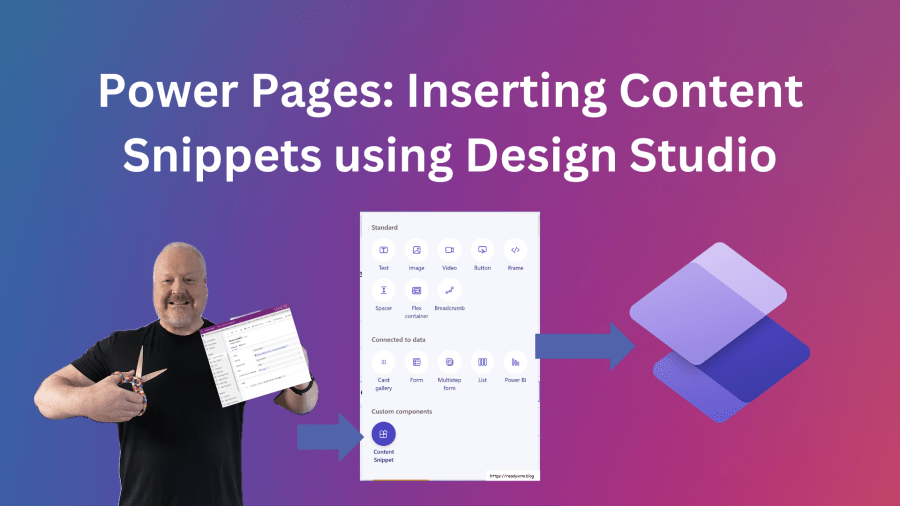
Power Pages: Inserting Content Snippets in Design Studio
I have written before Content snippets in Power Pages and how it is one of those features that I feel doesn’t get enough attention. Here is the video version of this blog post. Check out the post below on what Connect Snippets are and how they used in Power Pages websites: Currently, the only way… Continue reading Power Pages: Inserting Content Snippets in Design Studio
Power Pages: Site Settings as Environment variables
Currently rolling out to is the ability to configure Power Pages site settings as environment variables. Why is this such a big deal? In Power Pages configuration, much of the Power Pages website configuration is stored in metadata records called site settings. In many cases, these site settings are unique to specific environments, for example,… Continue reading Power Pages: Site Settings as Environment variables
Power Pages: Configure Entra External ID
When building a Power Pages website where you will have external stakeholders signing in, it is highly recommended to use an external authentication provider and not the out-of-the-box forms based login and password. There are different external providers available, provided by Microsoft (Azure AD B2C) and other 3rd party providers (like OKTA). Currently in preview,… Continue reading Power Pages: Configure Entra External ID

Power Pages: Cache test dummies
What is Power Pages caching? Sooner or later, while you are configuring a new Power Pages website, you are going to run into the concept of caching. What is it, why does it matter? And why does Nick Hayduk post memes about it? Caching in web applications refers to storing frequently accessed data (such as… Continue reading Power Pages: Cache test dummies

 The ReadyXRM Blog by Nick Doelman